
Manage multiple email accounts in one desktop app
Stop signing in and out of webmail for every address.
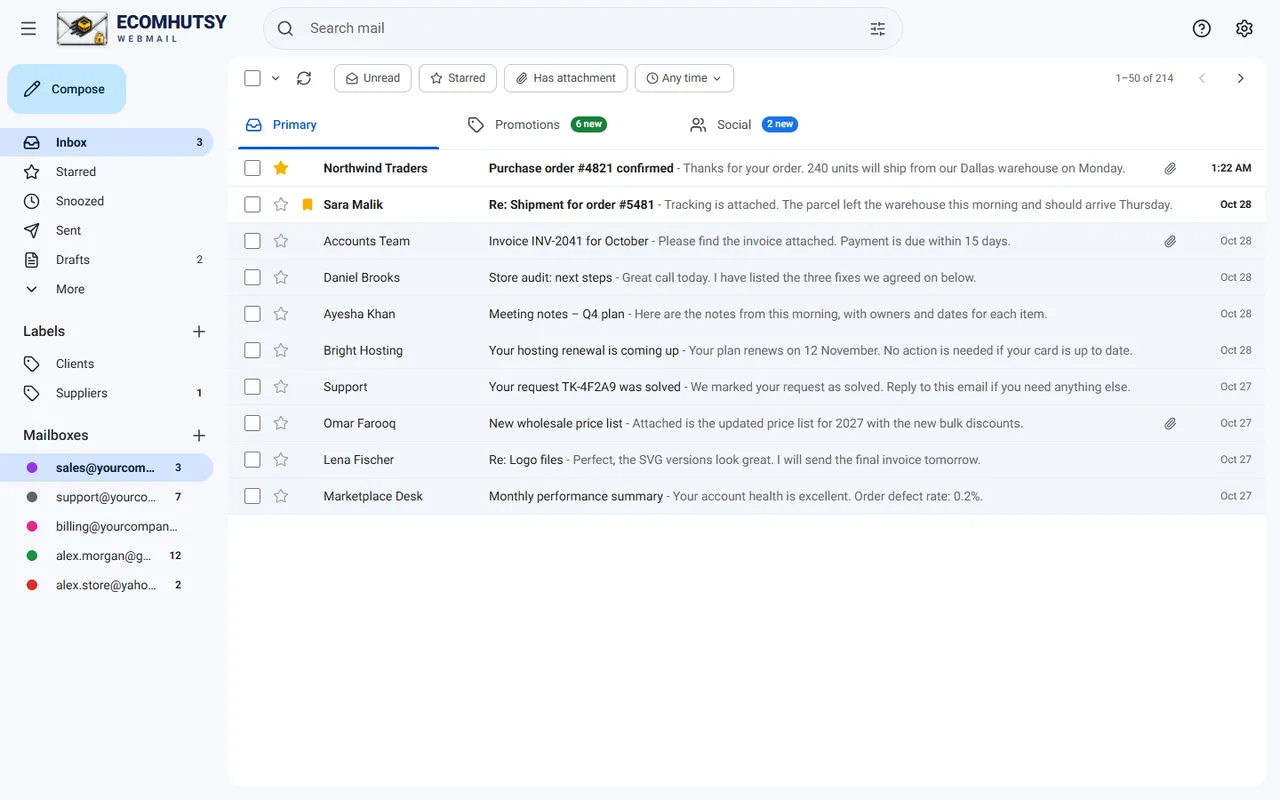
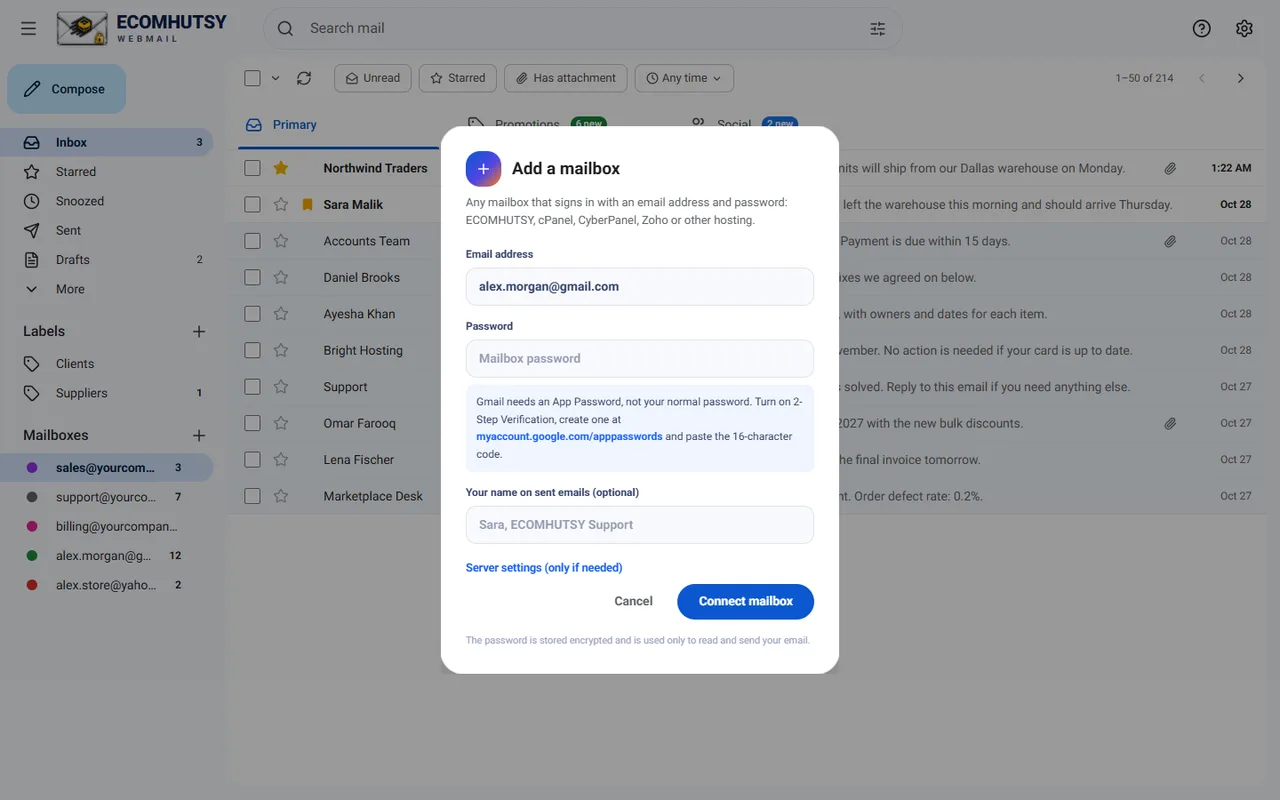
- Add a mailboxIn the left menu, click + next to Mailboxes and sign in with the address and password.
- Give each a colourMailbox settings, colour, so you always know where you are.
- Set a signature per mailboxSupport replies can sign as the support team, sales as you.
- Switch with one clickEach mailbox shows its unread count in the menu.
Good to know
- You can connect up to 12 mailboxes.
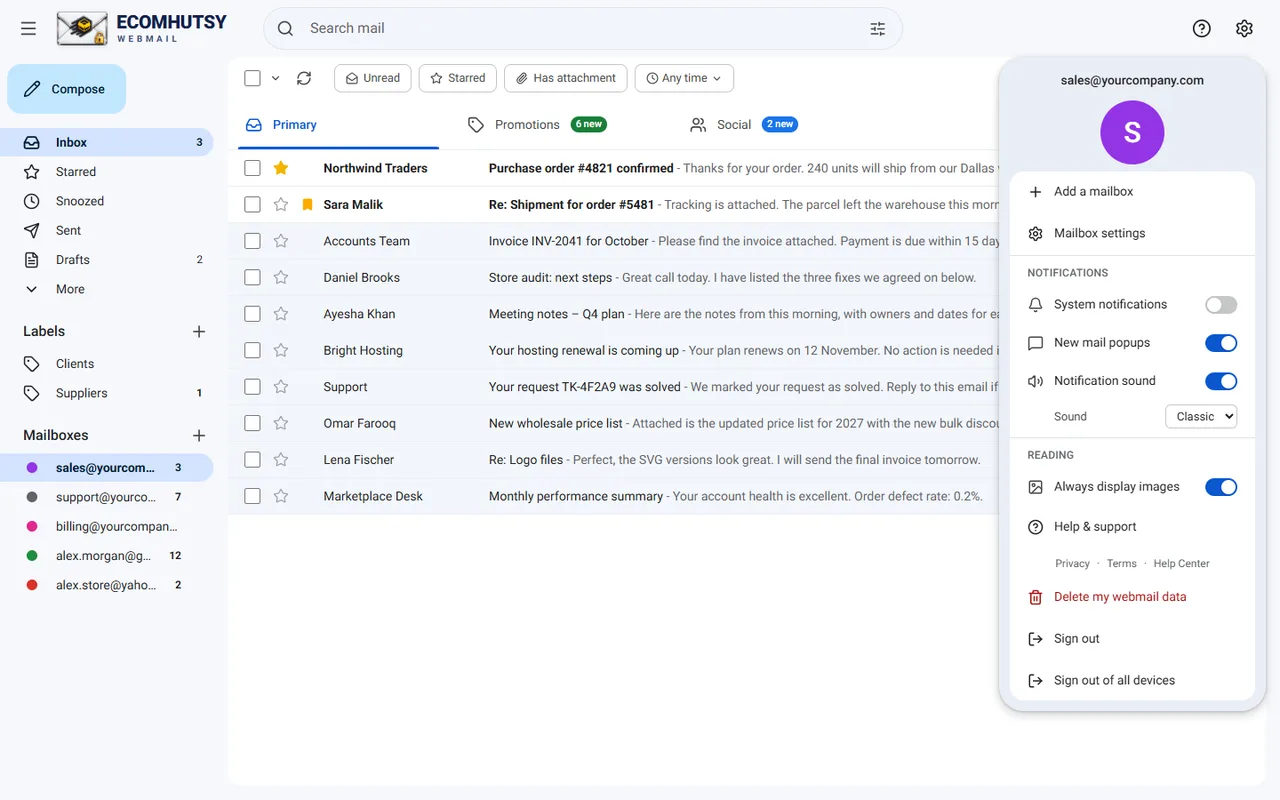
- Notifications come from every connected mailbox.
- Each mailbox can be from a different provider: cPanel, Zoho, Gmail and so on.
E-commerce solutions from the makers of this app
Products



Services






A desktop app for the email on your domain
Free for Windows 10 and 11 · notifications in the tray · your mail goes straight from your PC