Gmail SMTP and IMAP settings
Everything an email app, website or printer needs to send and receive with Gmail.
| SMTP server (sending) | smtp.gmail.com |
| SMTP port | 465 (SSL) or 587 (STARTTLS) |
| IMAP server (receiving) | imap.gmail.com, port 993, SSL |
| User name | Your full Gmail or Google Workspace address |
| Password | An App Password (needs 2-Step Verification) |
Common errors
- "Username and password not accepted": you used your normal password. Create an App Password.
- App Passwords missing: turn on 2-Step Verification first; in Google Workspace the administrator must allow them.
- Timeout on port 465 or 587: your network may block it; try the other port.
- Daily limit: Gmail limits how many emails and recipients you can send per day; bulk sending needs a mailing service.
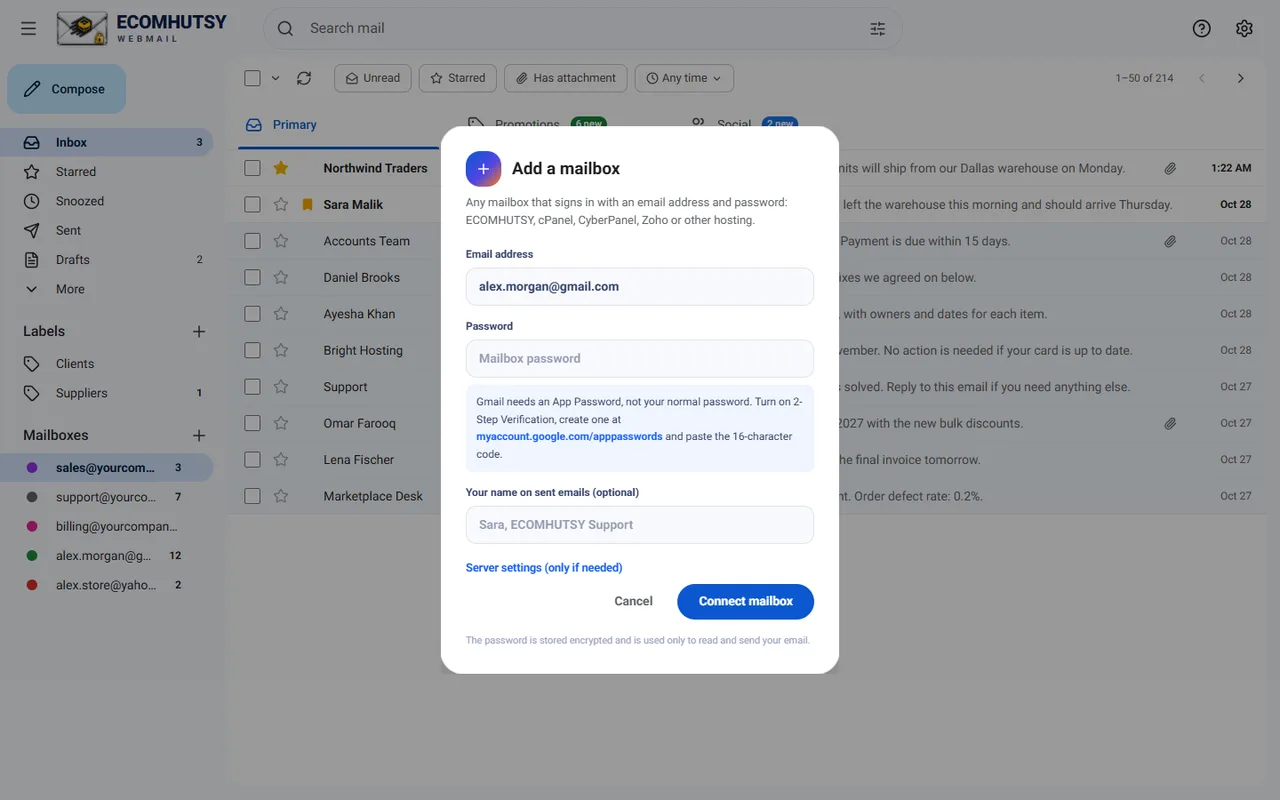
To read Gmail next to your business email, add it to ECOMHUTSY Webmail.
E-commerce solutions from the makers of this app
Products



Services






A desktop app for the email on your domain
Free for Windows 10 and 11 · notifications in the tray · your mail goes straight from your PC